Hi! I’m trying to register my device to air Vantage. I’m following this tutorial:
https://mangoh.io/uploaded-documents/Reference/mangOH%20Red/Discover/Getting%20Started/mangOH%20Red%20GSG%20-%20Windows%20R5/41112261_mangOH_Red_GSG_-_HTML5/41112261_AirVan/41112261_AirVan.htm
Can someone explain me why I see this pannel:
and not this pannel?

When I login into AirVantage I don’t see develop and configure options…
Moreover I went in myaccount user interfaces, but i can’t see other options to choise:
Hi @ga.imparato,
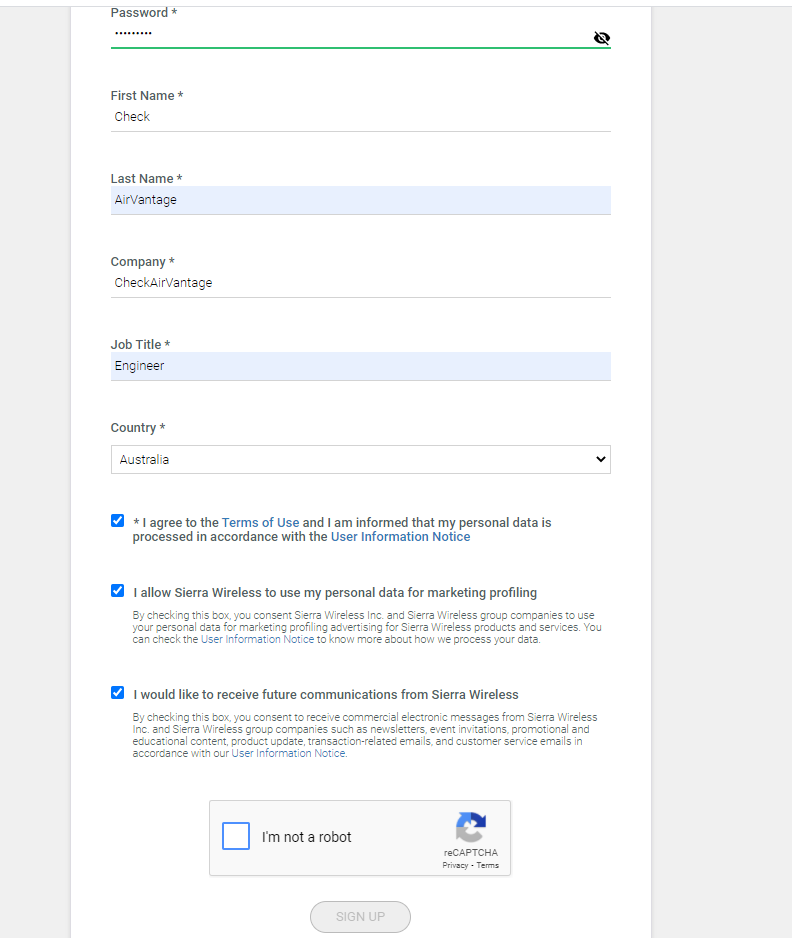
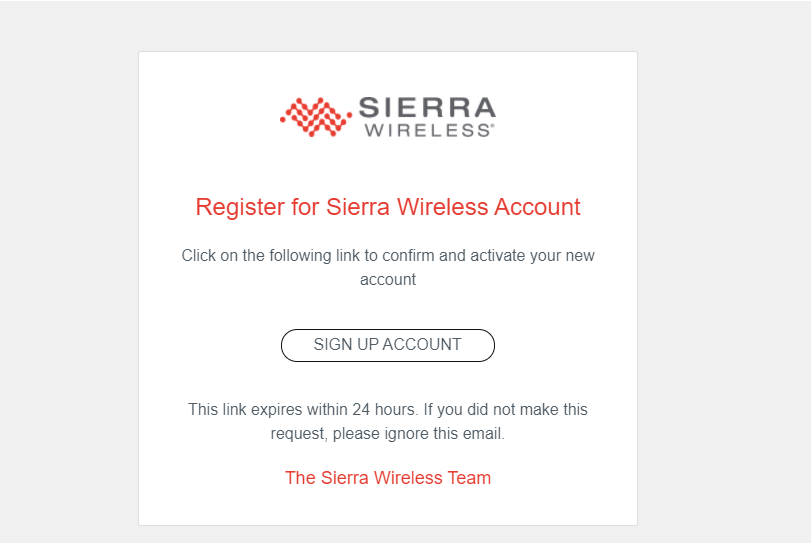
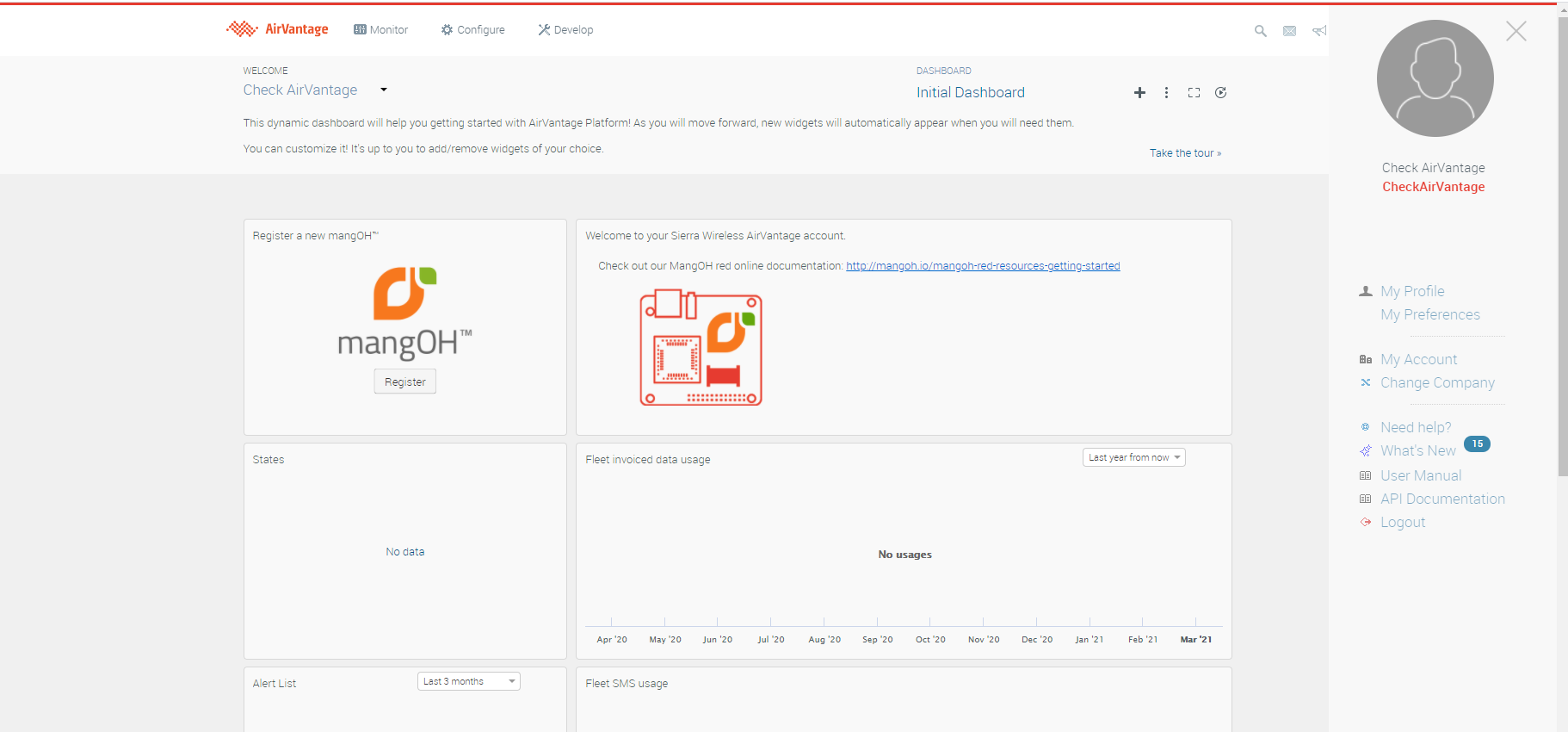
I have successfully registered a new account (used a gmail to enroll) to AirVantage web page as the screenshots below.
Did your user log in to the AirVantage page under your company or the other? If the user is on the other company it might not show Develop and Configure tabs
Hi! Thanks for your answer!
I created another air vantage account and actually see the correct dashboard:
However, on the home page, unlike what is reported on the guide, I do not see the option to register a mangOH. Anyway I went to the Register and found this:
and not this:

So as you can understand, I don’t have the opportunity to enter the ICCID parameter of the SIM, but only the parameters of the mangOH. So I can’t get system synchronization.
Does anyone know how I could go about having a properly set up AirVantage account?
Hi @ga.imparato ,
You can create a subscription (add CCID parameter) on ALMS as below screenshot
Then add that subscription to your system
And try to synchronize again
Please share if you have any concerns
Thanks
Hi! Thanks for the answer! I solved giving the following AT commands:

So I can see the system sinchronized.