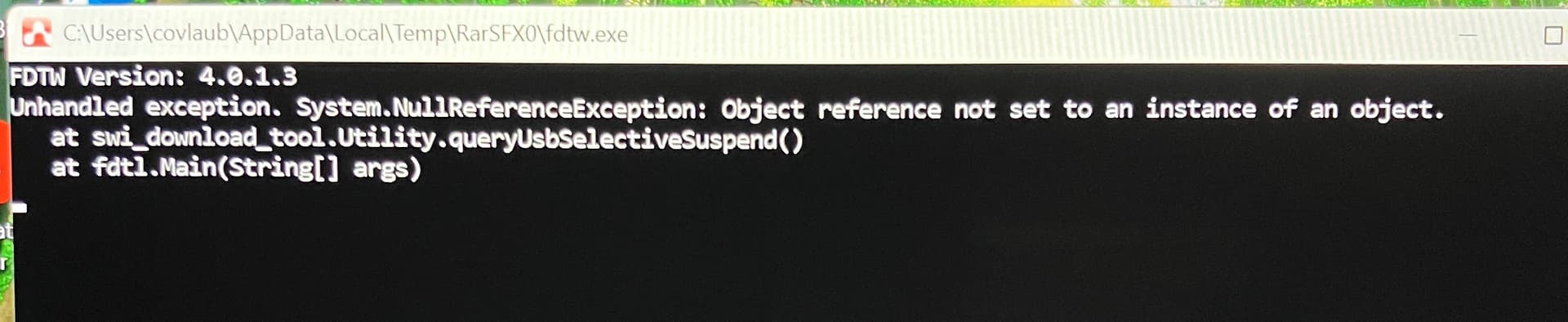
I am attempting to upgrade the firmware by running the Windows .exe for EM7595 found on the approved packages page for Verizon. I receive the error attached.
Is it just happening to this exe?
How about other exe?
Btw, did you install the latest usb driver?

I noticed the same error on my FZ-55 today. The firmware upgraded however the Modem Device restarts itself whenever I login. I’m unable to retain any custom settings as it defaults back.
If I set AT!USBCOMP=1,1,101D it accepts the command and it indeed make the change. Restarting the computer resets it back to 100D.
I don’t quite see this problem:
Did you try different setting in the ini file?
You might have a look on this document for the USBCOMP option:
https://source.sierrawireless.com/resources/airprime/software/em7590/em7590-windows-drivers/